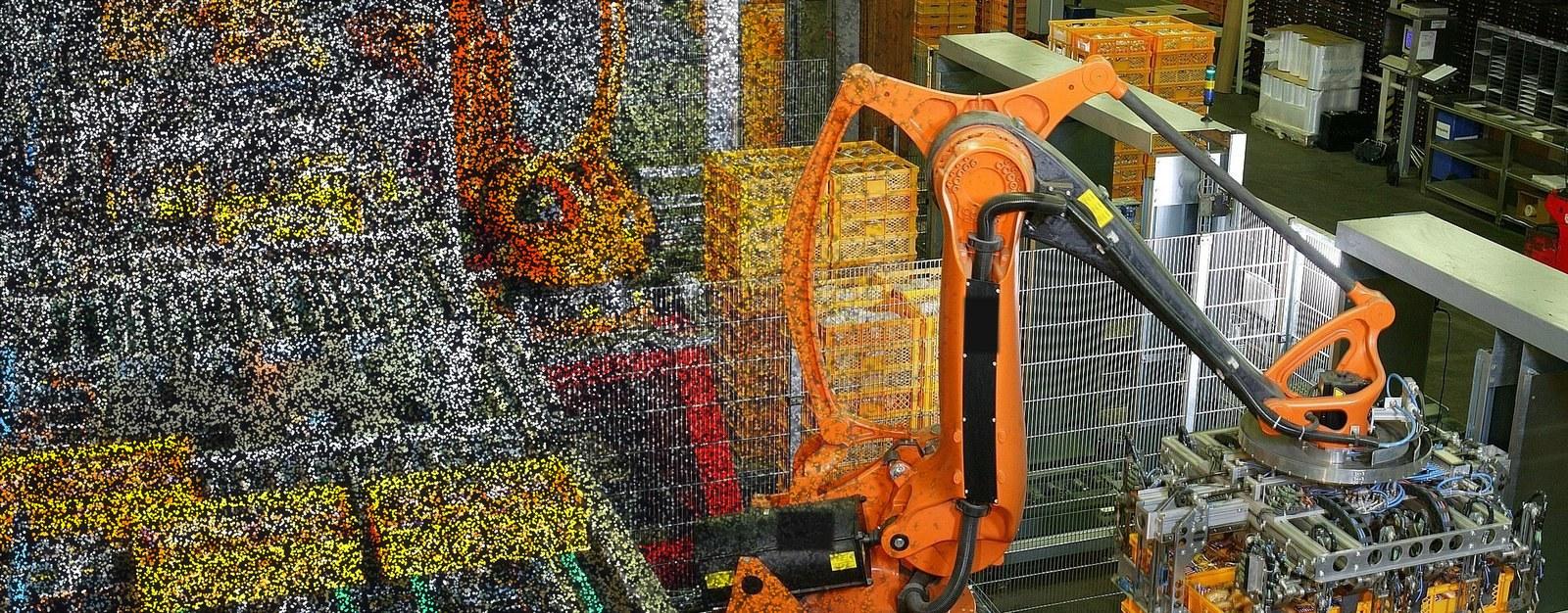
Robot Planning in Augmented Reality - 3D Scanning the Real Workspace
A robot simulation is only as good as the model of the room it runs in. Laan Labs added 3D scanning to a Unity-based AR viewer, so a simulated robot arm can be placed in a scan of the real workspace.

Business Challenge
Industrial robots are planned in simulation. An engineer lays out the cell, programs the arm and checks its motion in desktop software long before anything is installed. An augmented reality viewer takes that simulation to the site: the planned robot is shown on a phone or tablet, at full scale, on the floor where it will stand.
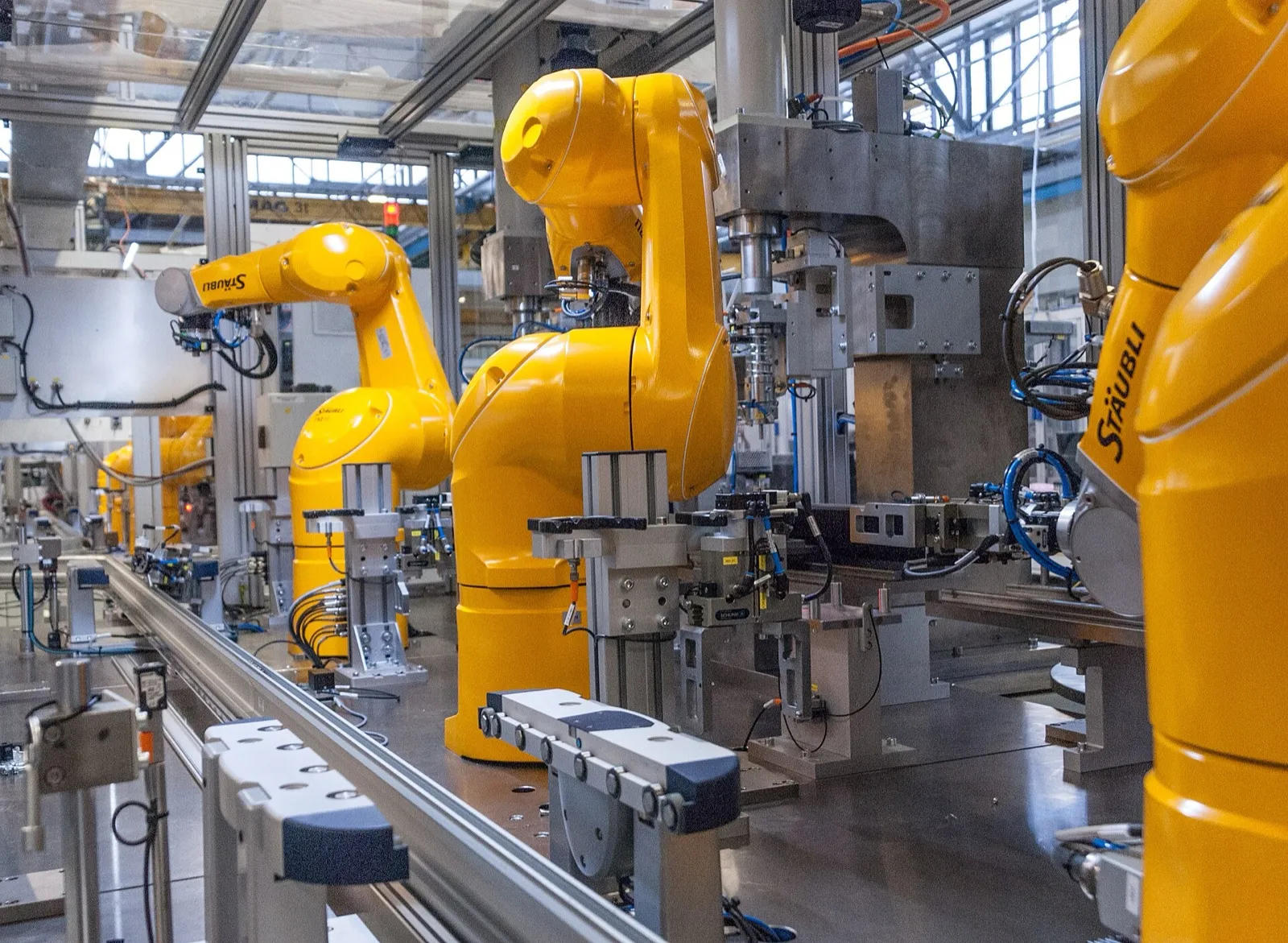
Robots work in tight spaces among other equipment. Photo: Clemenspool, Wikimedia Commons, CC0. Shown for illustration; not from this project.

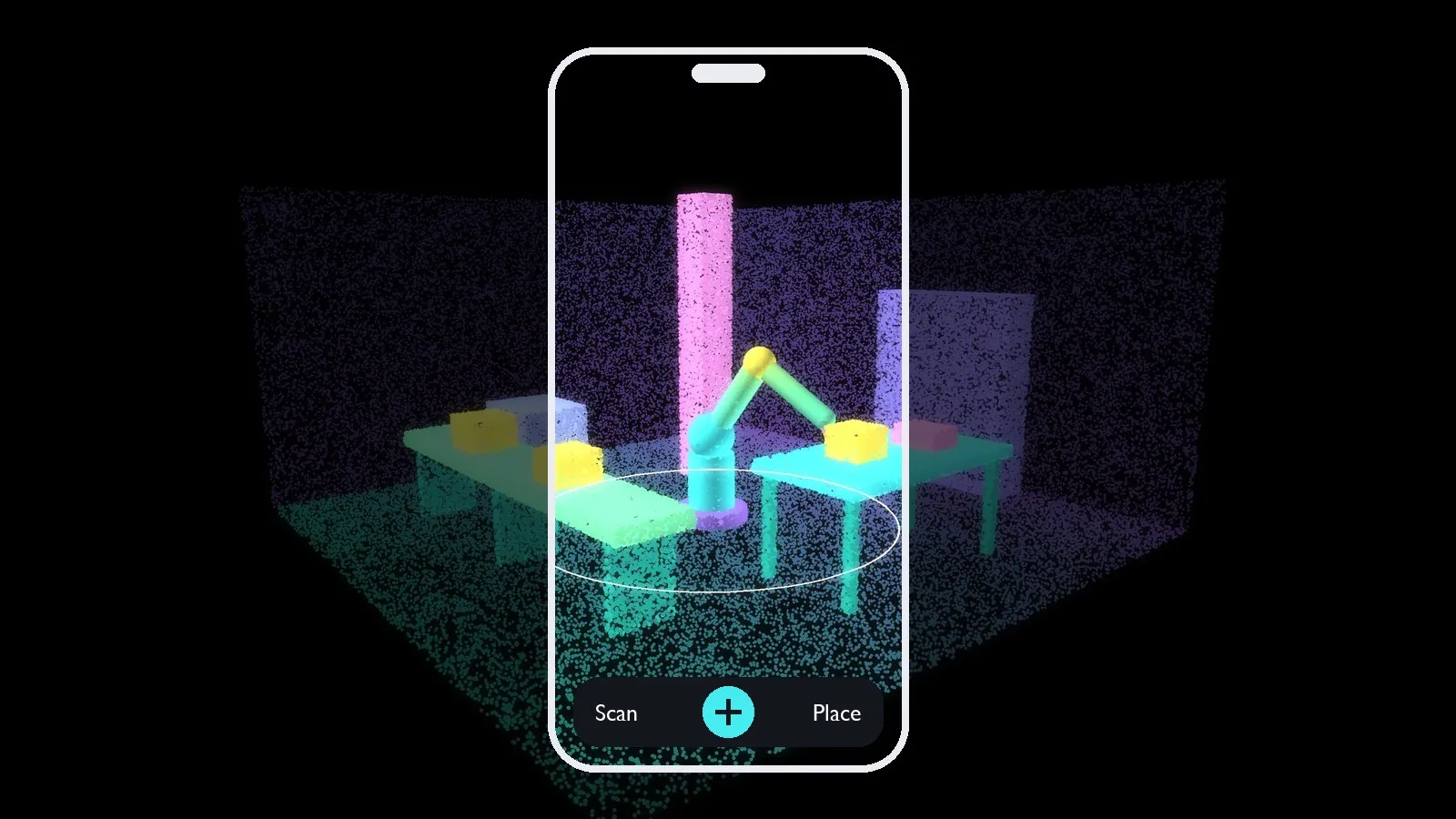
Illustration: an AR viewer shows the planned robot where it will stand
What the simulation usually lacks is the site itself. The column, the conveyor, the workbench and the cable tray are either missing from the model or drawn from old plans, and finding out during installation that the arm cannot reach, or hits something, is expensive.
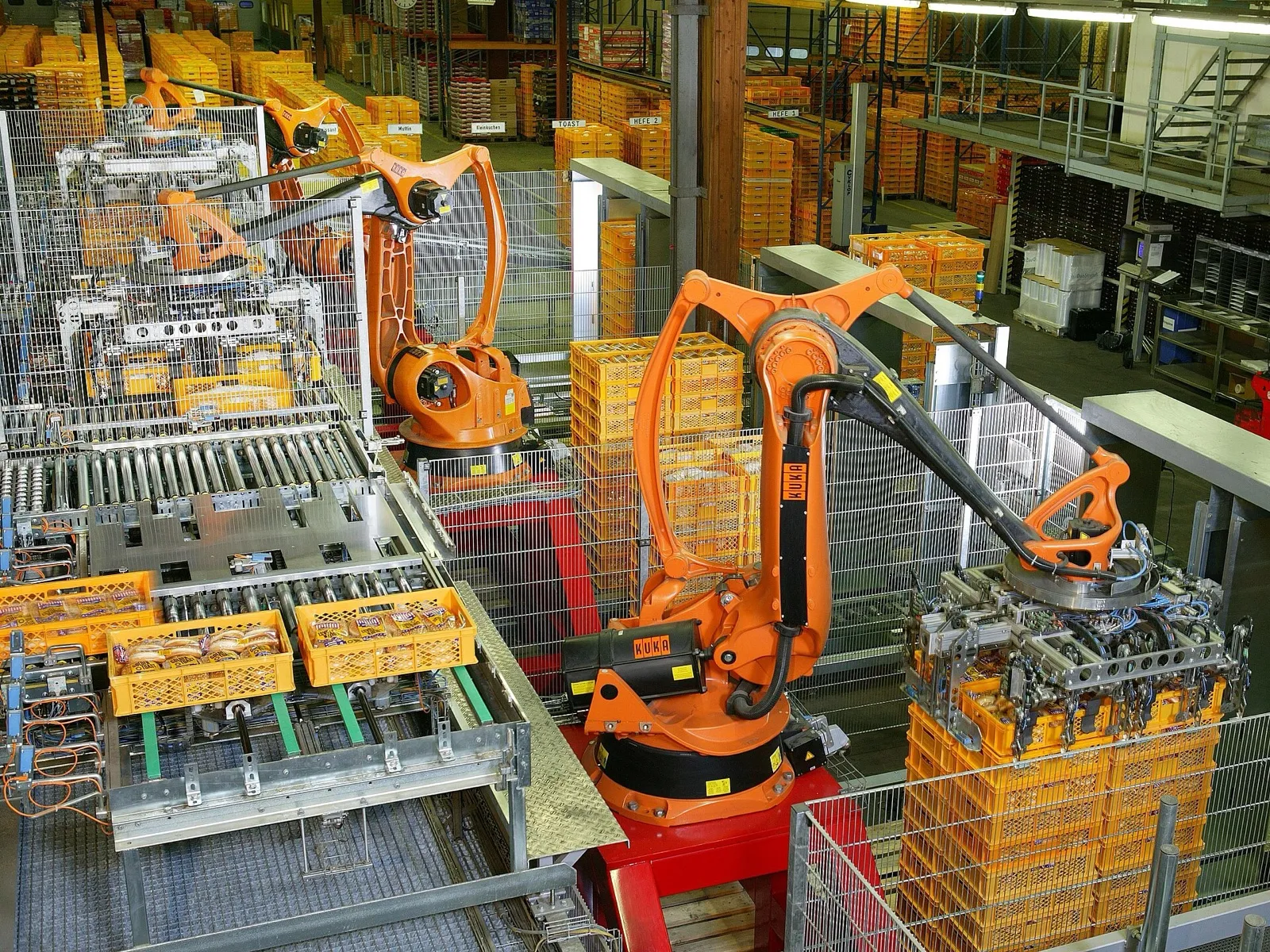
A real cell: conveyors, guarding, stacked goods and a column, all within the robots' reach. Photo: KUKA Roboter GmbH, Bachmann, Wikimedia Commons, public domain. Shown for illustration; not from this project.

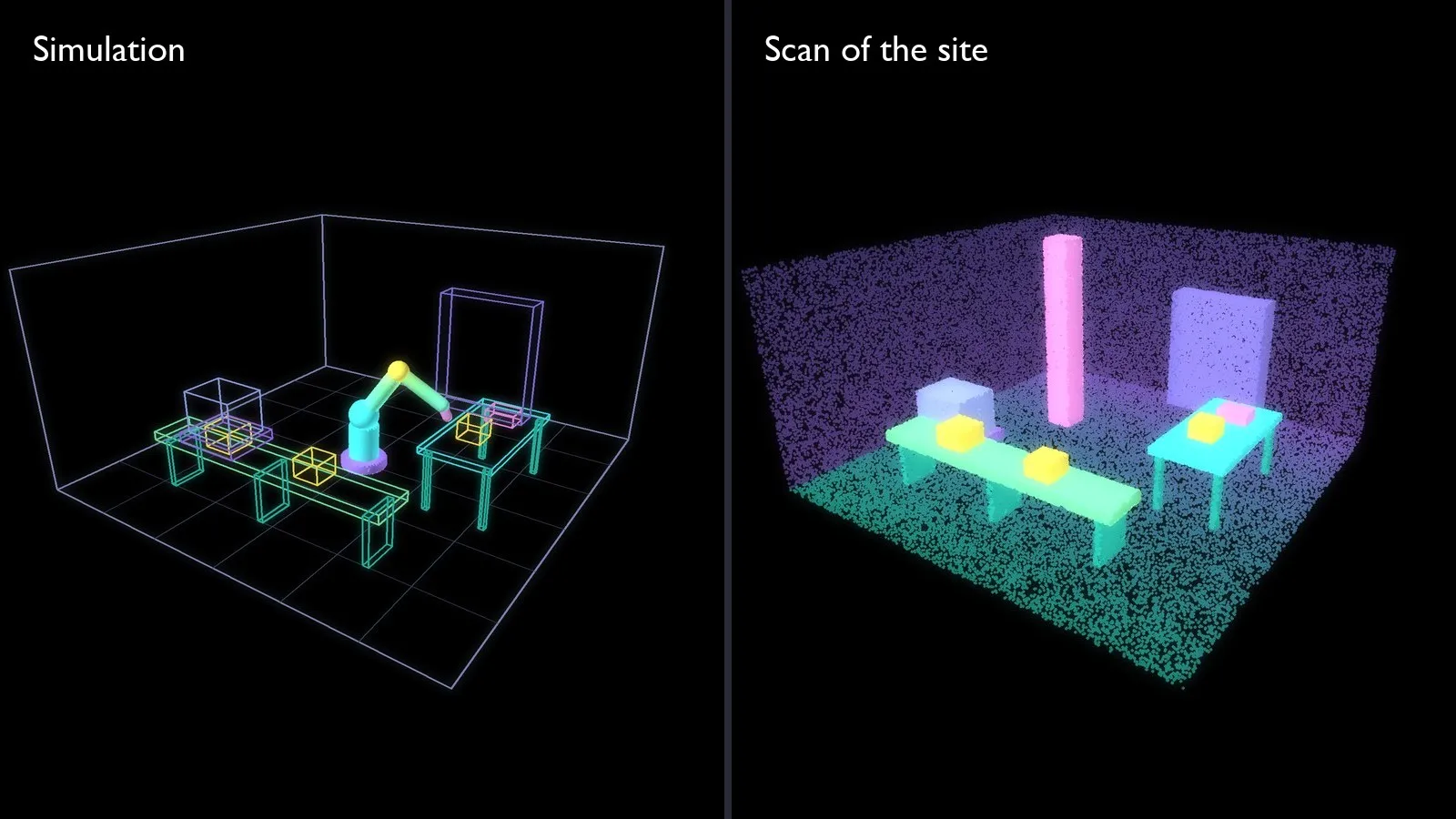
Illustration: the simulated cell and the real site rarely match
A robotics manufacturer wanted to close that gap inside its own AR viewer app: let the person on site scan the real surroundings with the same device, and bring that scan into the simulation as geometry.
The requirements were specific:
| Requirement | Target |
|---|---|
| Integration | A 3D scanning library that can be built into a Unity-based app |
| Devices | iPhone and iPad with LiDAR (iPhone 12 Pro, iPad Pro and later) |
| Output | Wavefront OBJ with MTL material and texture |
| Typical environment | 6 m wide, 6 m long, 3 m high |
| Mesh resolution | Triangle edge length of about 30 mm on average |
| Scale accuracy | Within 1%: one metre on site measures 99 to 101 cm in the scan |
Scan the real workspace with the device already in hand, then plan the robot in it
Approach
The client's AR viewer is built in Unity. Laan Labs provided its mobile 3D scanning technology, the same technology behind 3D Scanner App, as a component that works inside a Unity application.
The integration covers the full path from capture to usable geometry:
- Capture. The user walks the area with an iPhone or iPad. LiDAR depth and camera images are fused into a mesh in real time, and the mesh is shown as it grows so the user can see what has been covered.
- Reconstruction on the device. The scan is processed on the phone or tablet. Nothing is uploaded, which matters on factory floors where images of production equipment are confidential.
- Export. The result is a textured mesh in OBJ format with its MTL material file, at true scale and in the same coordinate frame as the AR session, so it lines up with what the camera sees.
- Use in the simulation. The scanned workspace is loaded next to the simulated robot arm, in the AR viewer and in the desktop simulation software, where it serves as the surroundings the robot is planned against.
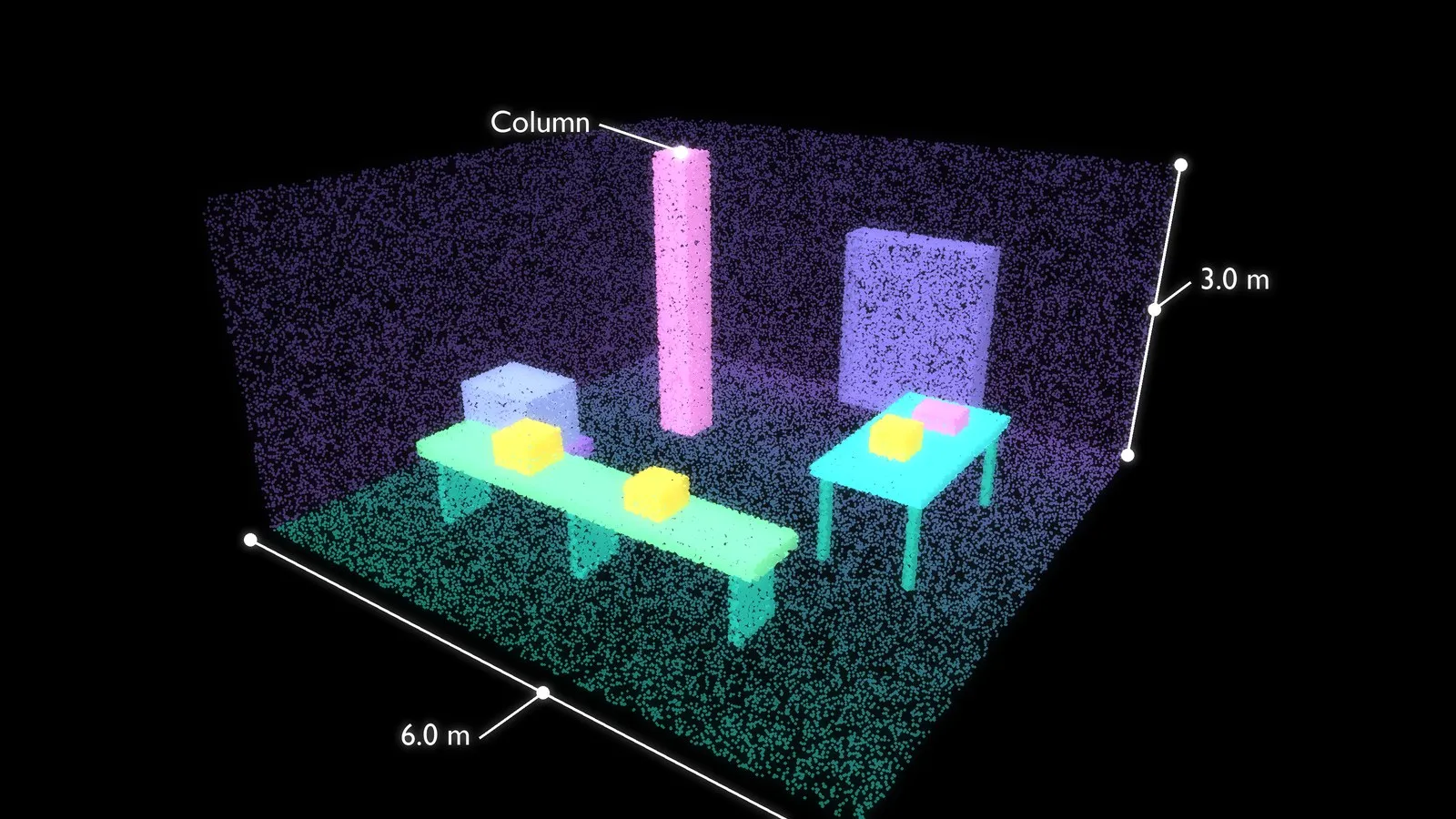
Illustration: a 6 m by 6 m workspace captured as 3D geometry
Laan Labs delivered the scanning technology as a source code library together with a sample Unity app that shows the integration end to end, so the client's developers could build it into their product and maintain it themselves.
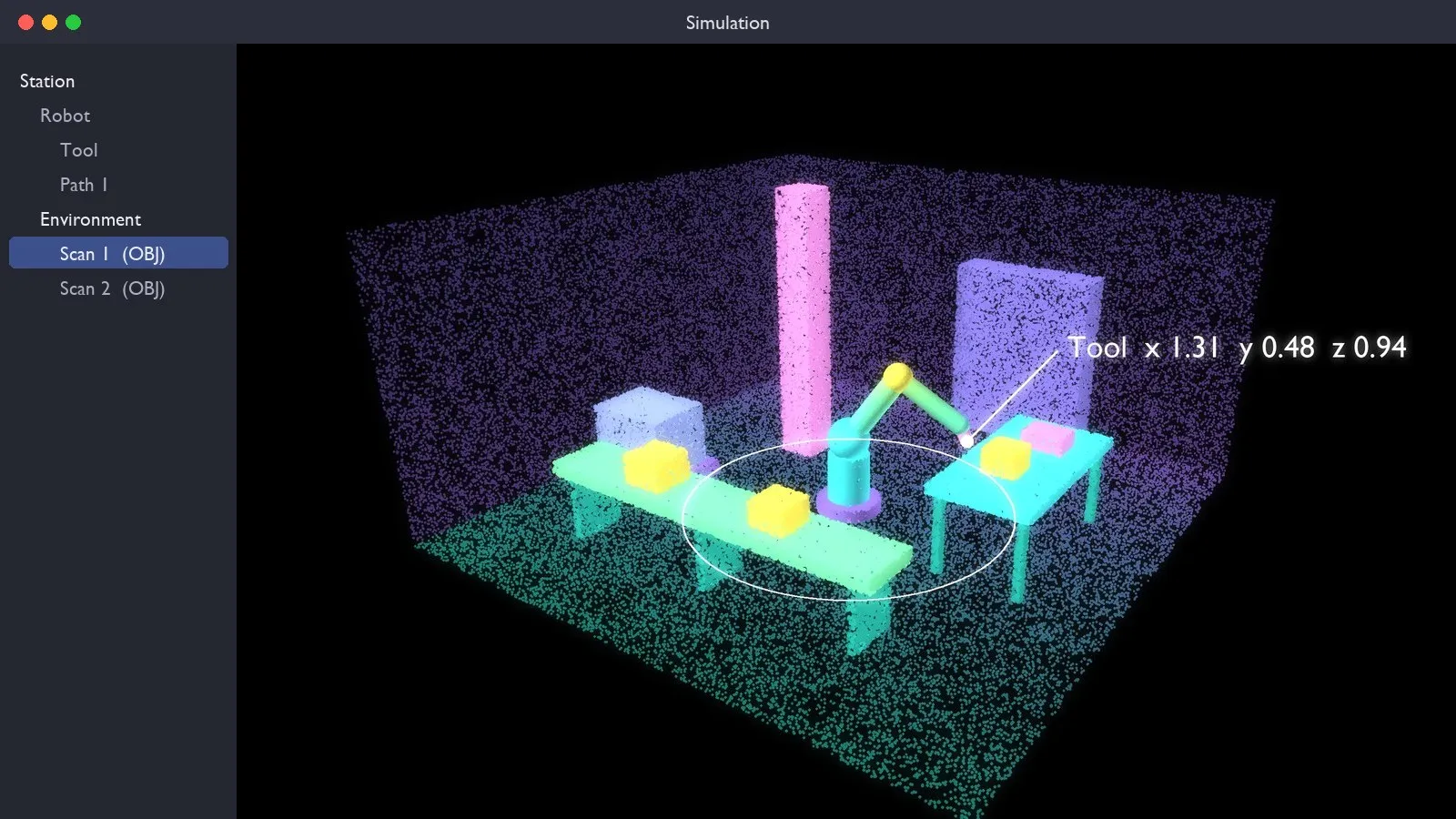
Illustration: the scan loaded as the environment around the simulated robot
Business Value
With the surroundings in the simulation, questions that used to wait for installation can be answered on the first site visit:
- Does it fit? The robot, its base and its working envelope are seen against the real floor space and not against a drawing.
- Can it reach? Pick and place positions on real benches and conveyors are checked against the arm's reach.
- What is in the way? Columns, guarding and equipment that are not in the CAD model are in the scan, so a planned motion can be checked against them.
- Can everyone see it? Operators, safety staff and customers look at the same scene, on site in AR or remotely, before anything is ordered.
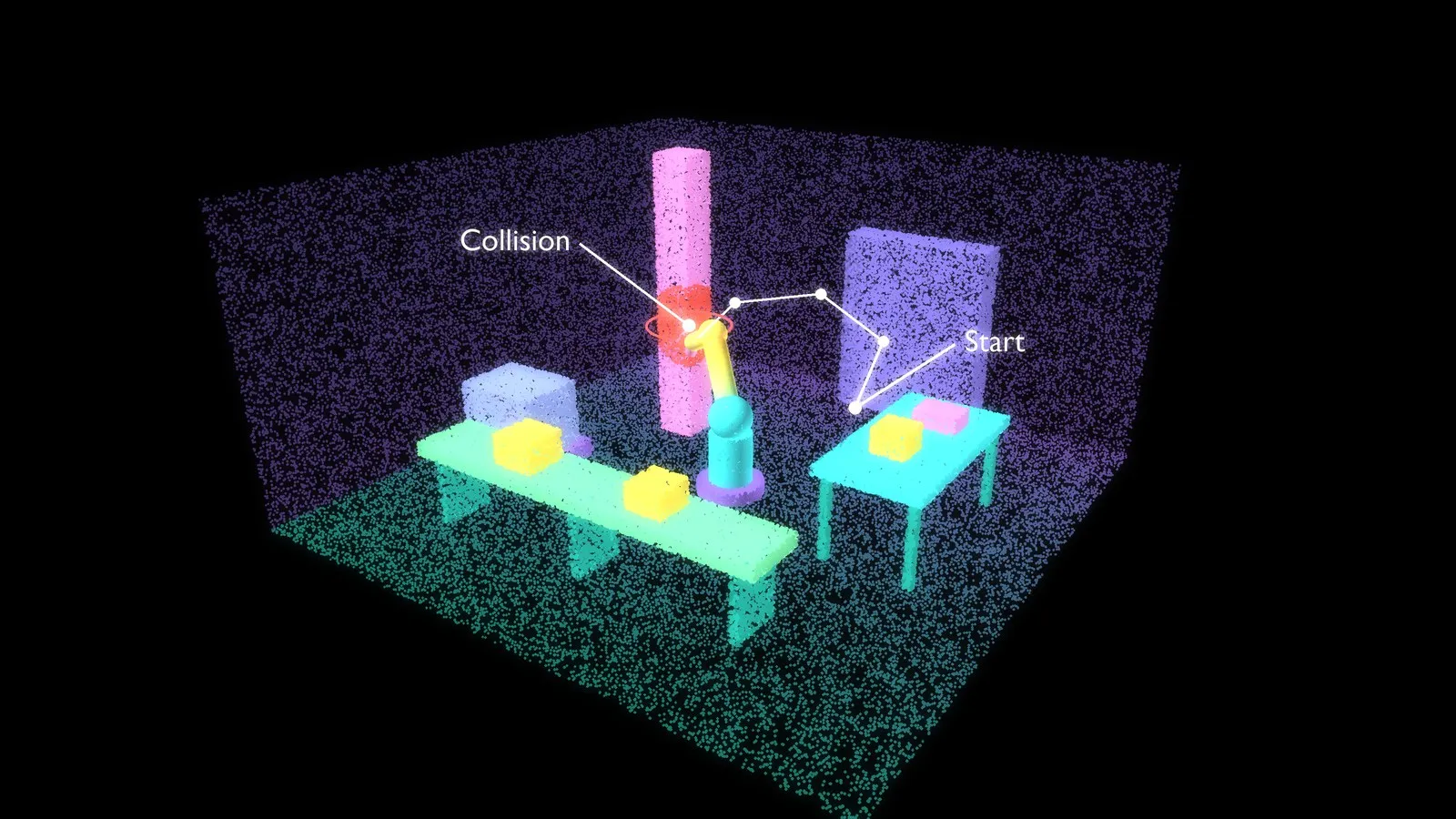
Illustration: a planned motion checked against the scanned surroundings
Because the scan is made with a phone or tablet, capture is part of an ordinary site visit and needs no laser scanner or survey crew.
Targets, Not Test Results
The figures in the requirements table are design targets. This case study does not report measured results against them. They also describe three different things, which should not be read as one:
- Mesh resolution (triangle edges of about 30 mm) is how finely the surface is described. It says how small a feature shows up in the mesh, not how accurate the mesh is.
- Scale accuracy (within 1%) is whether distances in the scan match distances on site. Over a 6 m room, 1% allows up to 6 cm.
- Clearance accuracy is how far a reported gap between the robot and an obstacle can be trusted. It depends on scale, on local surface error, on mesh resolution and on how well the scan is aligned to the robot's base, so it has to be validated separately and is not implied by the other two.
Phone LiDAR is generally good to around a centimeter at room scale under good conditions, which suits layout and reach studies and a first check of clearances. Where a clearance is tight, the margin should be confirmed on site. A scan does not replace robot calibration, or metrology where sub-millimeter positions are required.
What Comes Next
The same capture can do more than provide surroundings. A natural next step is recognizing robot arms and other equipment in the scan automatically, so that existing machines are identified and replaced by their exact models instead of remaining raw scanned geometry.
About This Project
Laan Labs licenses its 3D capture technology to companies that want scanning inside their own products, as source code, as components or as a complete app. See 3D capture and technology licensing and how Laan Labs works with robotics and automation.
To talk about a robotics or scanning project, contact us or email labs@laan.com.
Technologies Utilized
LiDAR, ARKit, Unity, 3D Reconstruction, Augmented Reality, OBJ export, On-device processing
Download this article
Get the markdown source for offline reading